Engines, Tech & Hardware
Week 1 • Lecture 3
Game Engines
What is a Game Engine?
- A framework for building games without starting from scratch
- Handles: Rendering, Physics, Input, Audio, Scripting
- Like a car chassis — you add the body and paint
Engine vs Custom Code
The Major Players
Godot Engine
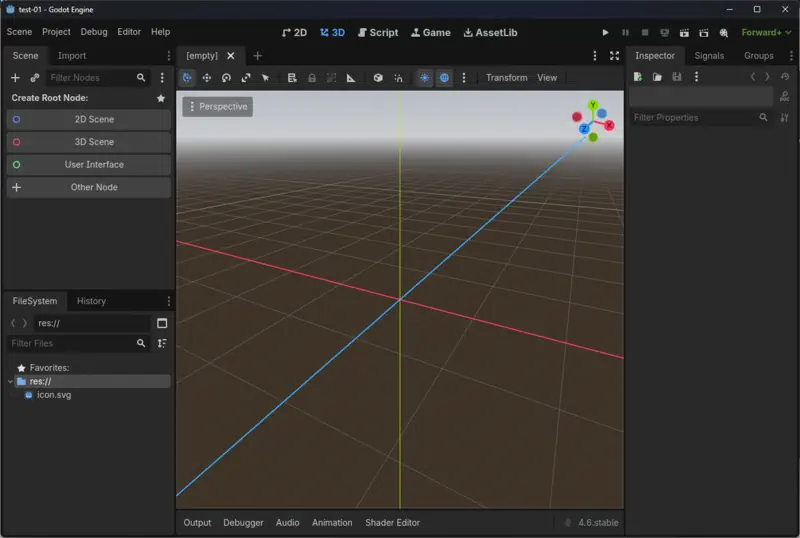
Godot Features
Open Source
100% free, MIT license
GDScript
Python-like, easy to learn
Node System
Everything is a node
2D & 3D
First-class support for both
Cross-platform
Export to PC, mobile, web
Active Community
Growing fast
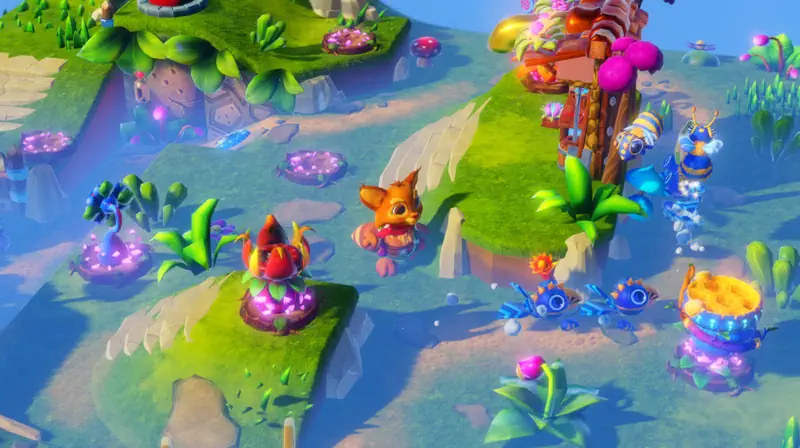
Made with Godot
2K+
Steam games
90K+
GitHub stars
$$$
Brotato made millions
Notable: Sonic Colors Ultimate, Cassette Beasts, Dome Keeper
Unity
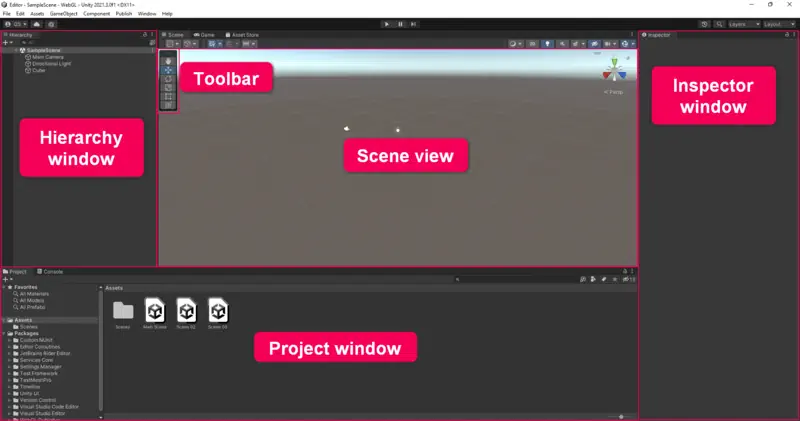
C# Scripting
Industry-standard language
Asset Store
Huge marketplace
Documentation
Extensive tutorials
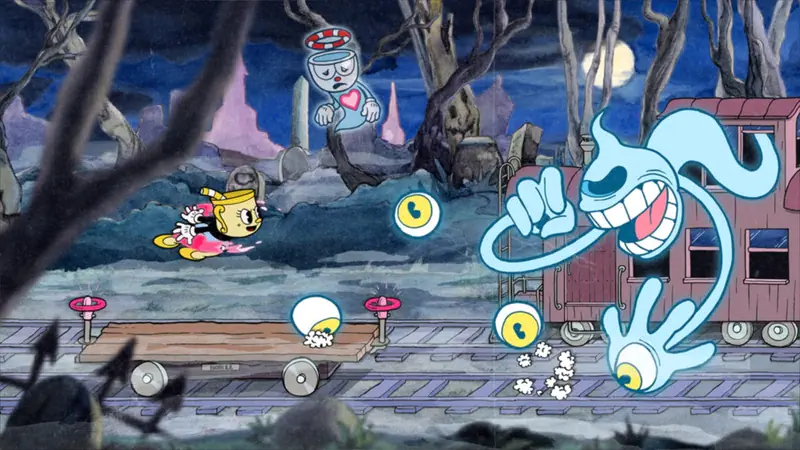
Made with Unity
70%+
Mobile games
Top Hits
Hollow Knight, Cuphead
VR
Beat Saber, Among Us VR
Notable: Hollow Knight, Cuphead, Among Us, Genshin Impact
Unreal Engine
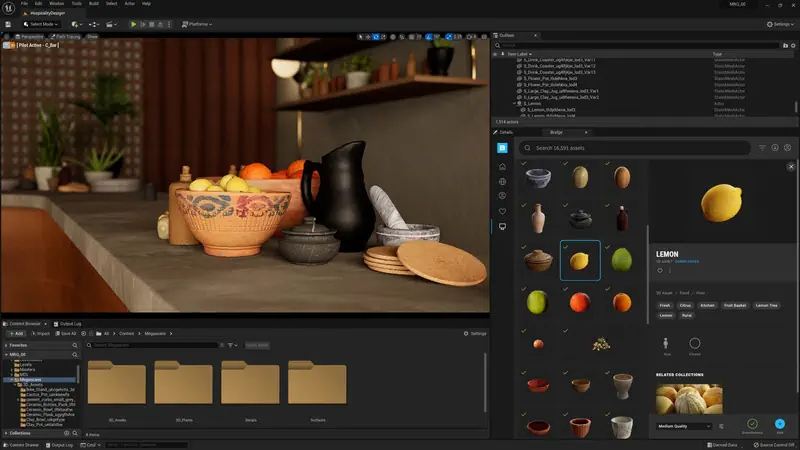
Blueprints
Visual scripting system
Nanite & Lumen
Next-gen graphics tech
Free until $1M
Then 5% royalty
Made with Unreal
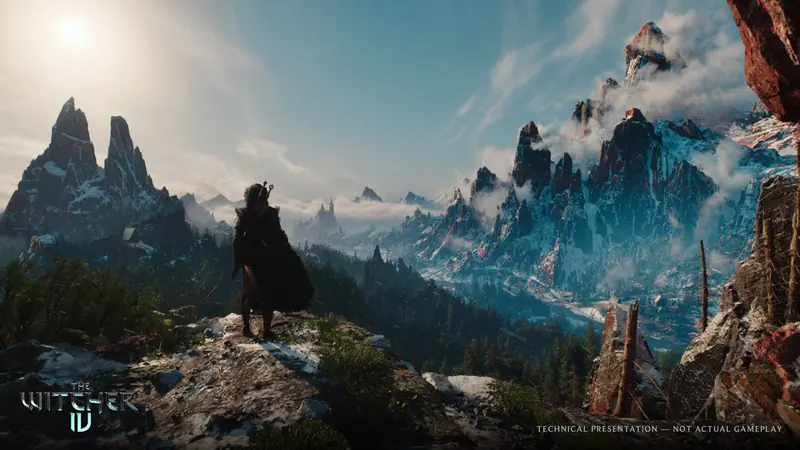
AAA
Fortnite, FF VII Remake
Esports
Valorant, Rocket League
Film
The Mandalorian sets
Beyond games: Architecture, automotive, virtual production
GameMaker
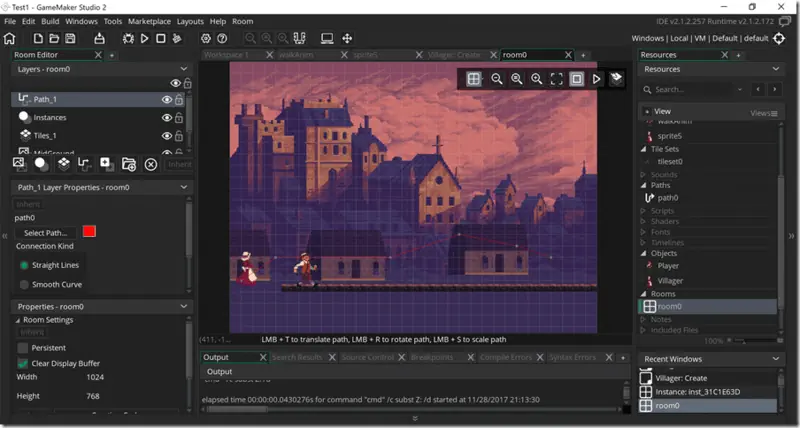
GML Language
Simple syntax
Drag & Drop
Visual coding option
2D Focus
Pixel art friendly
Notable: Undertale, Hyper Light Drifter, Hotline Miami
Custom Engines
id Tech
DOOM, Quake
Frostbite
Battlefield, FIFA
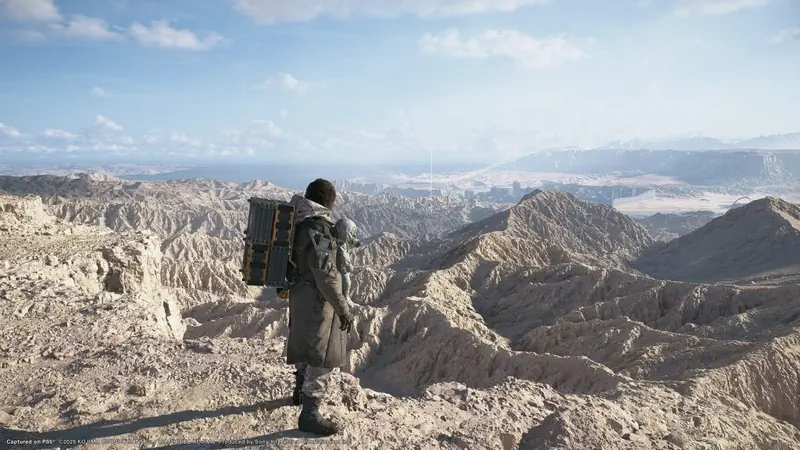
Decima
Horizon, Death Stranding
Why? Specific needs, full control, competitive edge
Choosing an Engine
Godot
Best for: 2D, learning
Curve: Low
Cost: Free
Unity
Best for: Mobile, indie
Curve: Medium
Cost: Free to $$$
Unreal
Best for: 3D/AAA visuals
Curve: High
Cost: Free to 5%
GameMaker
Best for: 2D pixel art
Curve: Low
Cost: $0-800
Why Godot for This Course?
- Free and open source — no licensing headaches
- GDScript is beginner-friendly (Python-like)
- Lightweight — runs on any laptop
- Excellent 2D support (our focus)
- Growing industry adoption
Hardware 101
What Runs Your Game?
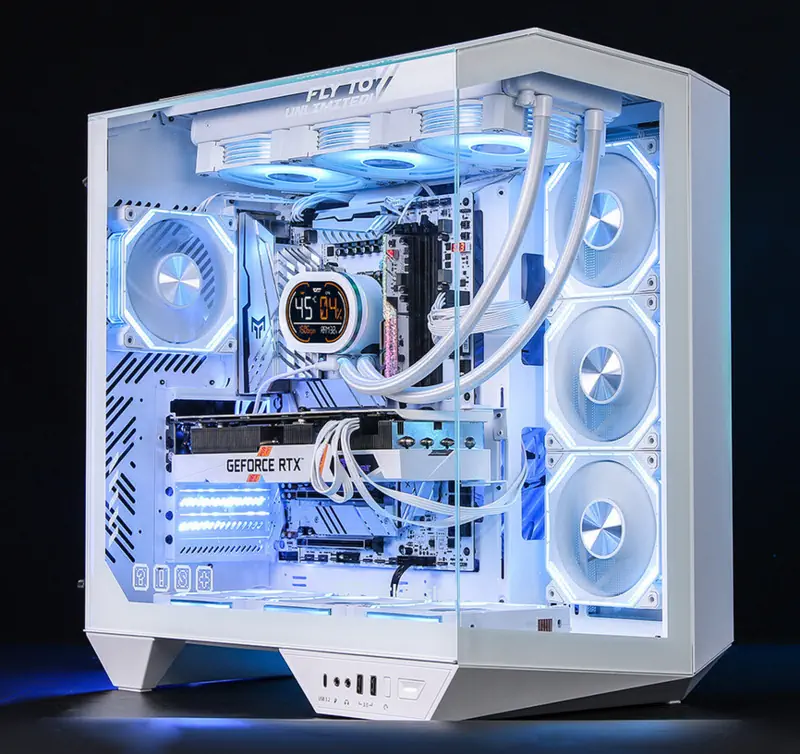
CPU vs GPU
What the CPU Does
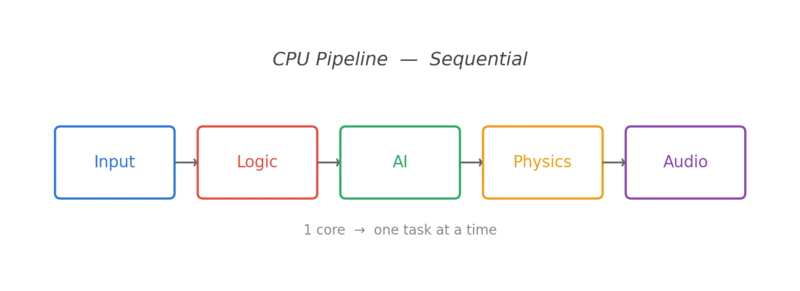
Logic
Game scripts & state
AI
Decision making
Physics
Collision & movement
Sequential: One task at a time, very fast
What the GPU Does
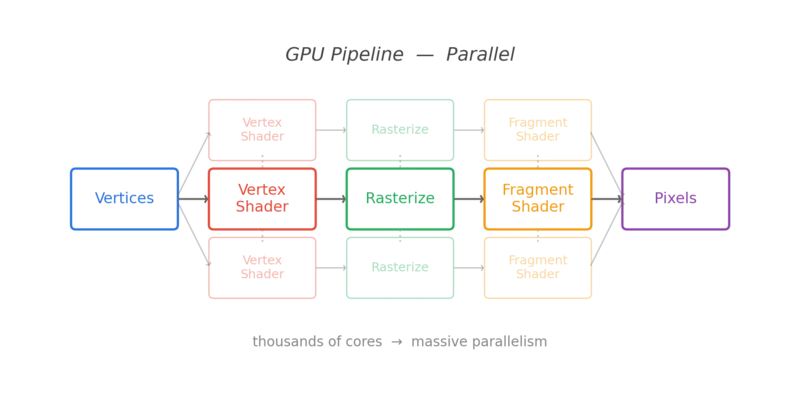
Pixels
Drawing millions per frame
Shaders
Visual effects & lighting
Post
Bloom, blur, color grading
Parallel: Thousands of cores working together
Frame Rate
30 FPS
Cinematic, budget
60 FPS
Standard, smooth
120+ FPS
Competitive, premium
Time budget per frame at 60 FPS
Resolution
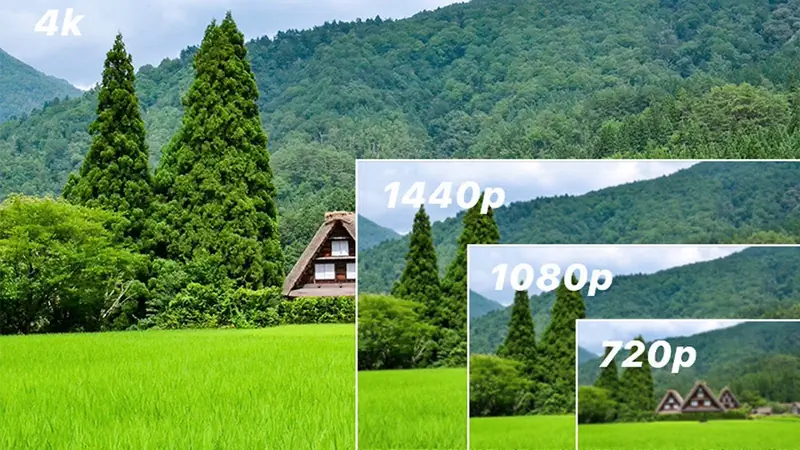
720p
0.9M pixels
1080p
2.1M pixels
4K
8.3M pixels
Trade-off: 4K = 4x the GPU work of 1080p
Input Devices
Design for your target input — each has different strengths
Console vs PC
Modern Game Tech
Rasterization
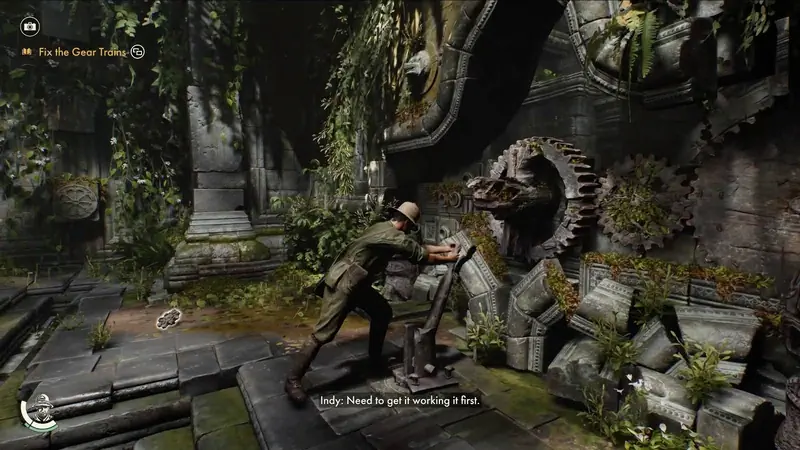
Fast
Traditional, proven approach
Approximate
Fakes lighting with tricks
Reality: Most games still use rasterization
Path Tracing
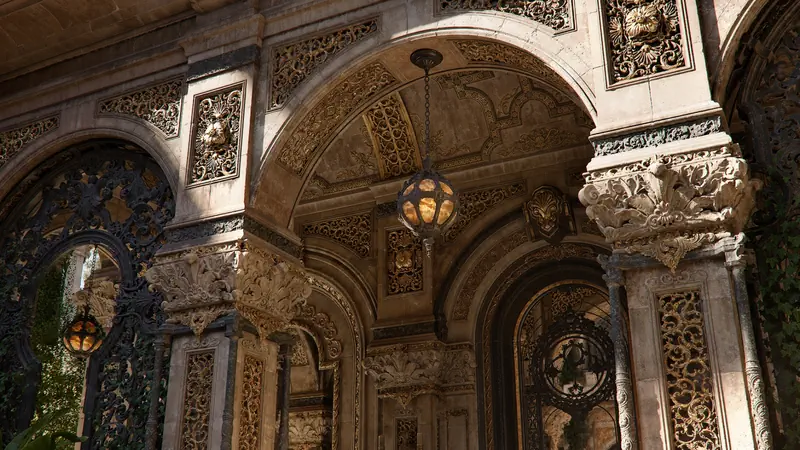
Realistic
Simulates actual light physics
Expensive
Requires modern GPU hardware
Trend: Hybrid approaches combining both techniques
Rasterization vs Path Tracing
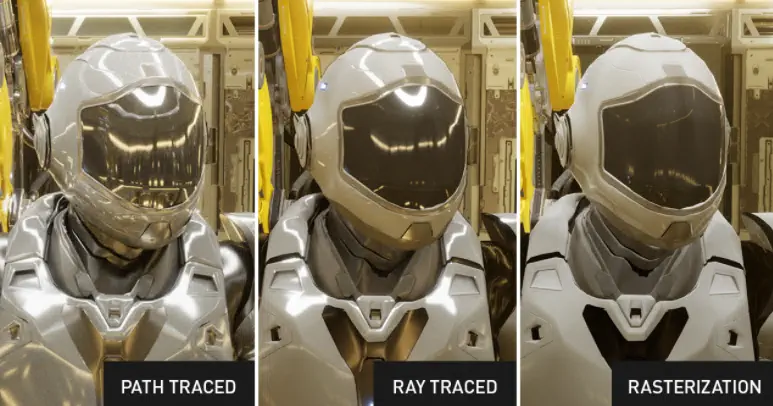
Physics
Rigid
Solid body dynamics
Collision
Detection & response
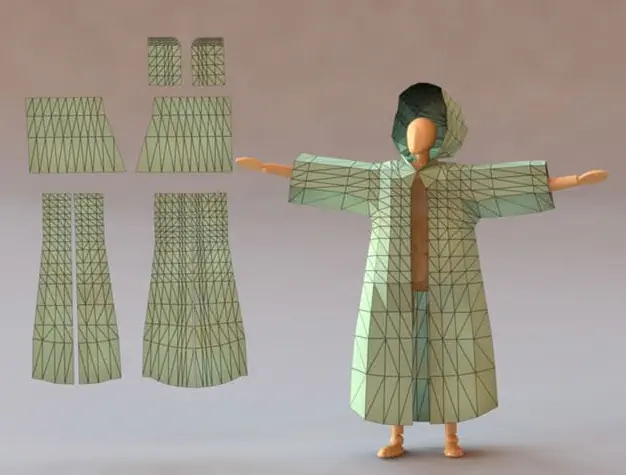
Soft
Cloth & deformables
Goal: Make worlds feel real
Procedural Generation
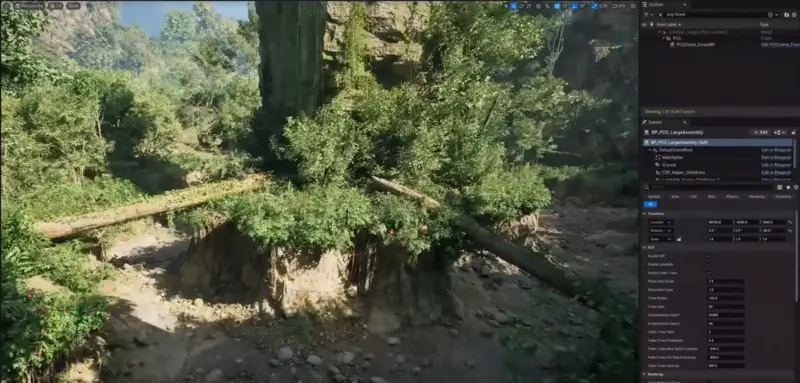
Infinite
Content from algorithms
Variety
Randomness + rules
Examples
Minecraft, Spelunky
Week 13: We'll build this
AI in Games
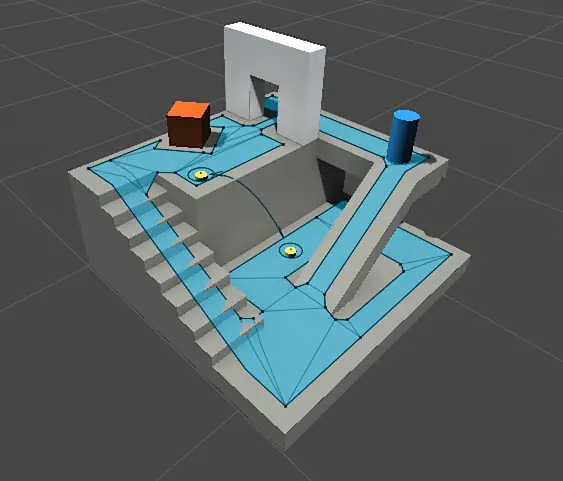
Pathfind
A*, nav meshes
Behavior
Decision trees
State
Enemy state machines
Note: Believable, not intelligent
Networking
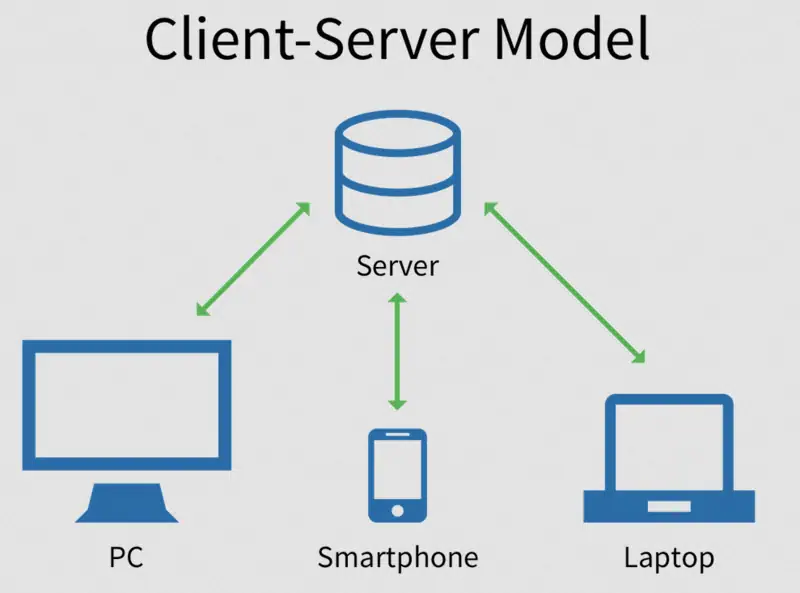
C-S
Authoritative, anti-cheat
P2P
Lower latency, no server
Rollback
Fighting games, prediction
Challenge: Latency is the enemy
Tech Overview Recap
- Rendering — Rasterization & Ray Tracing
- Physics — Collision, rigid bodies, dynamics
- Procedural — Algorithms create content
- AI — Pathfinding, behavior, decisions
- Networking — Synchronizing players
Resources & Community
GDC Talks
What
Game Developers Conference
Free
Talks on YouTube (GDC Vault)
Content
Postmortems, design deep-dives
Tip: Goldmine of industry knowledge
itch.io
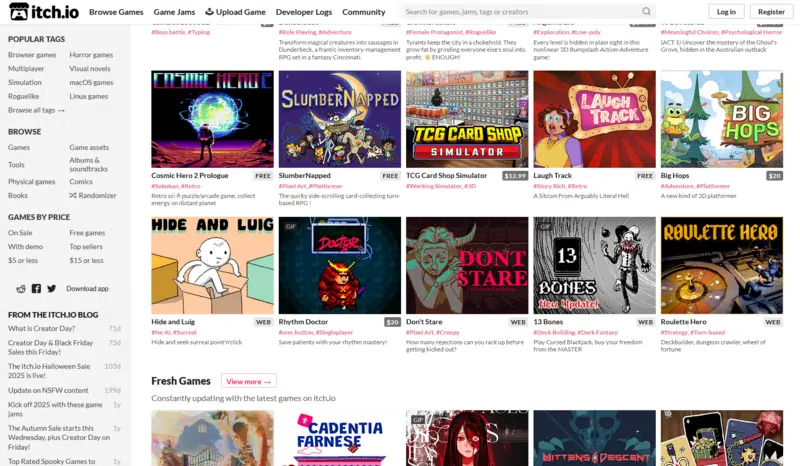
Platform
Indie game marketplace
Pricing
Name your own price
Jams
Game jams every week
Great for: Publishing your first game
Game Jams
Ludum
48-72 hours, twice yearly
GMTK
48 hours, theme-based
GGJ
48 hours, worldwide
Best way: Learn fast, finish something!
YouTube Channels
Game Maker's Toolkit
Design analysis
GDC
Industry talks
Brackeys
Tutorials (archived)
Sebastian Lague
Coding adventures
Masahiro Sakurai
Smash creator insights
Jonas Tyroller
Indie dev journey
Godot Resources
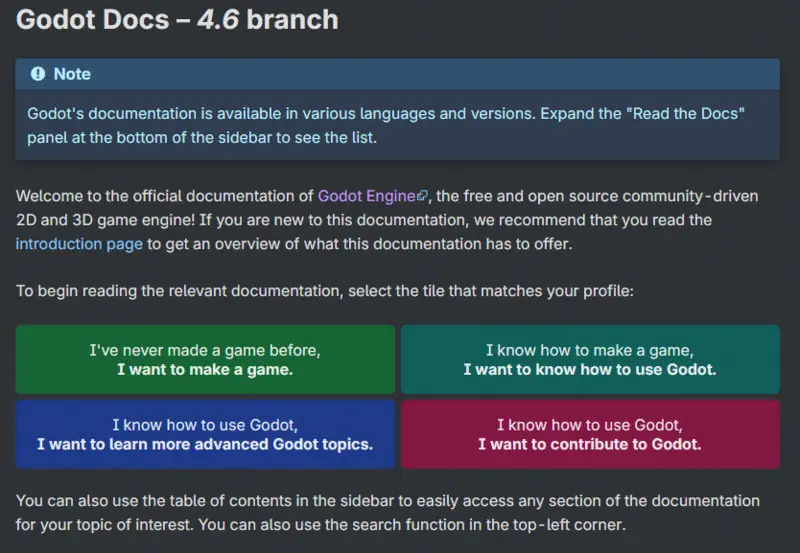
Docs
docs.godotengine.org
Discord
Active community support
r/godot tips & showcase
Community: Welcoming & helpful
Course Roadmap
Weeks 1-15 Overview
Grading
15%
Participation
15%
Quizzes (5)
30%
Assignments
15%
Midterm
25%
Final Project
Next Time
We Start Coding!
Install Godot 4.x before class!
See You Next Class!
Questions? Come chat after class.